Workbench Profiles
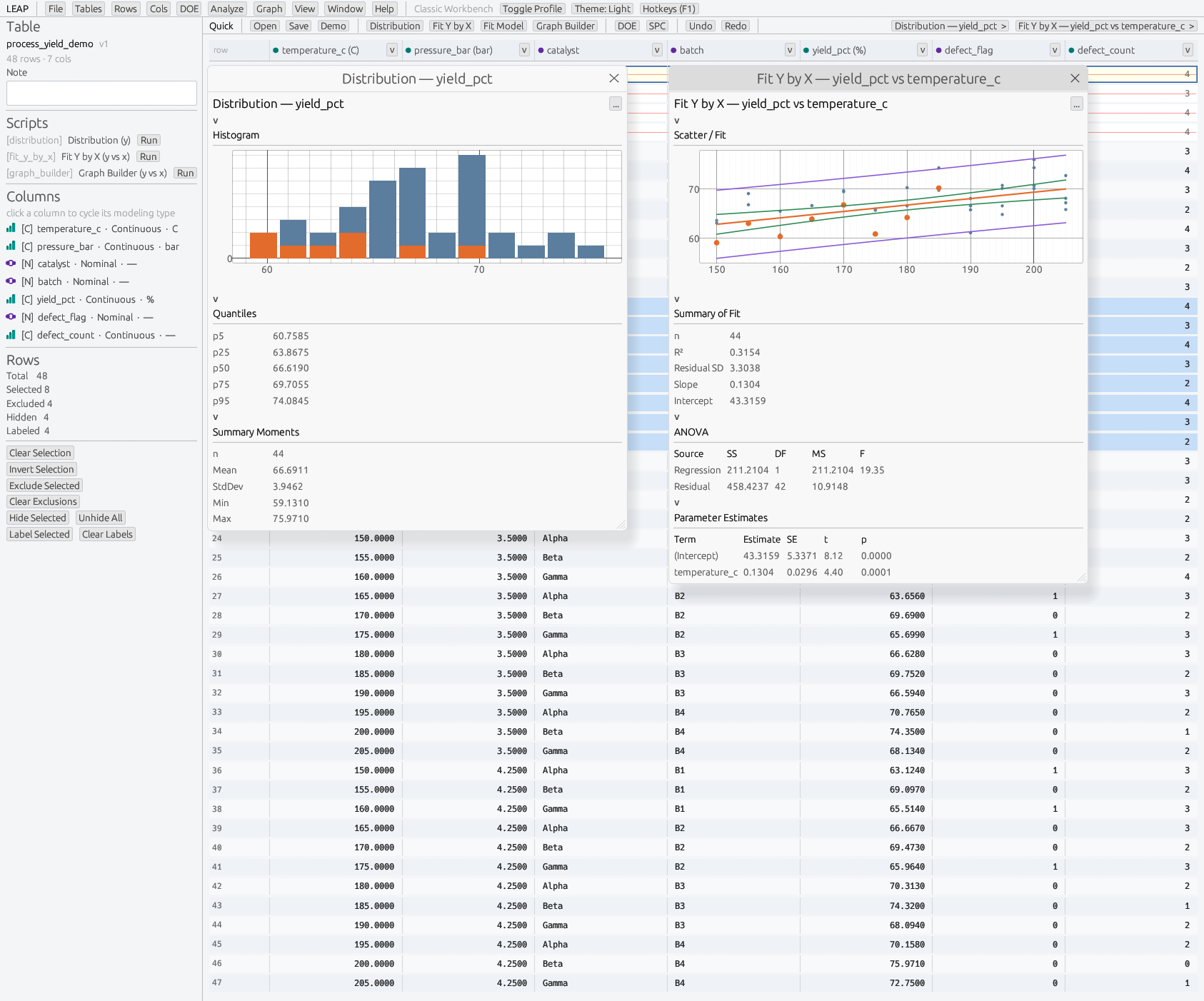
LEAP offers two switchable workspace layout presets, defined in crates/leap-app/src/workspace.rs (WorkspaceProfile). The active profile is a UI preference only; it never changes analytical results. Switch with Switch Profile (Ctrl+Shift+P) from the top menu bar's View menu, the top-bar Toggle Profile button, or the profile name shown in the top bar.
Classic Workbench
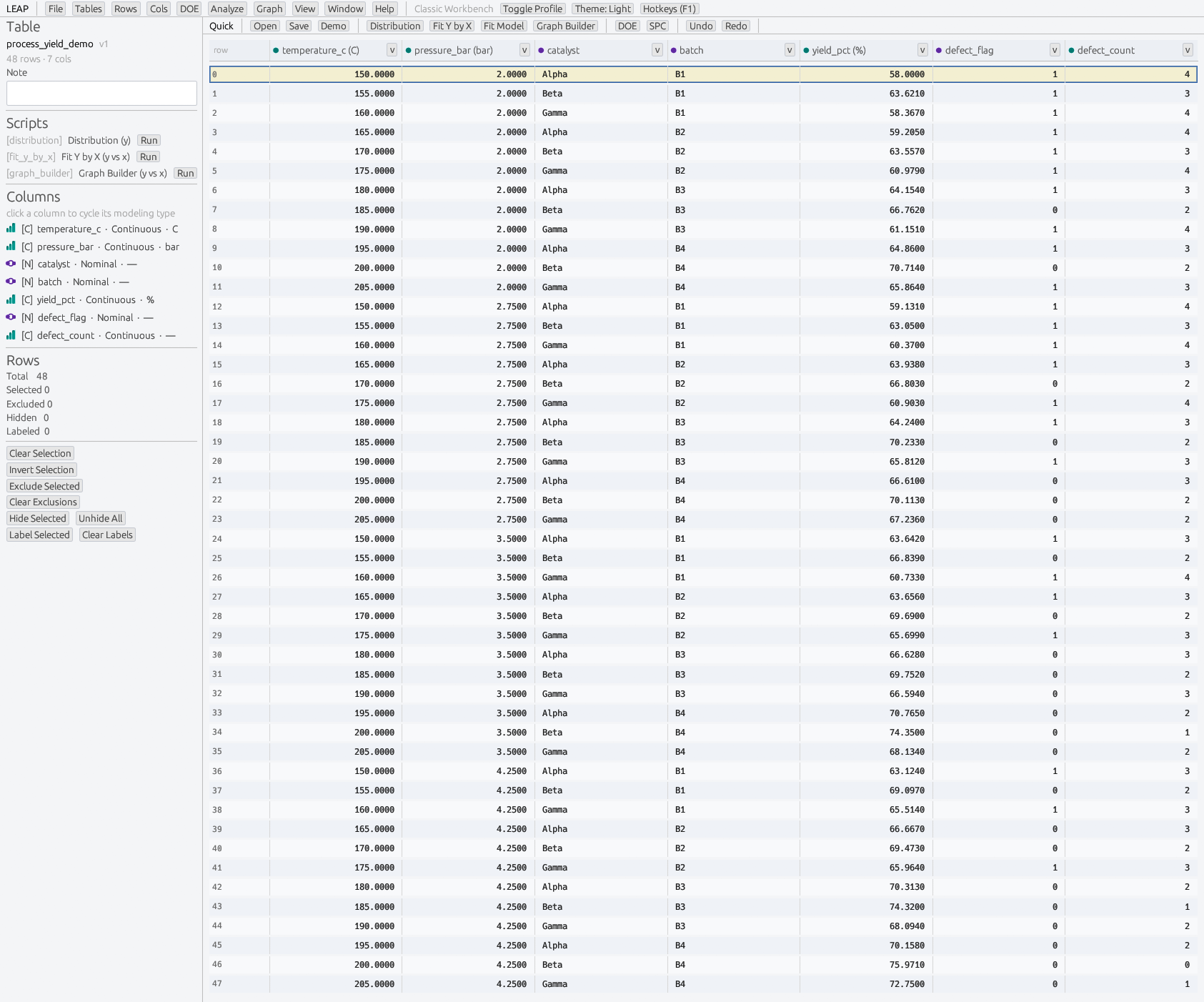
- Table-first 3-pane left sidebar (default 280 px, resizable, minimum width from the sidebar renderer) with top menu taxonomy.
- Top menu bar: File, Tables, Rows, Cols, DOE, Analyze (with nested Quality & Process, Reliability & Survival, and Advanced submenus), Graph, View, Window, Help.
- Quick toolbar under the menu bar with Open / Save / Demo, Distribution / Fit Y by X / Fit Model / Graph Builder, DOE / SPC, Undo / Redo, open-report pills, and a Graph Builder indicator.
- Floating linked report windows and a floating Graph Builder window.
Modern Docked
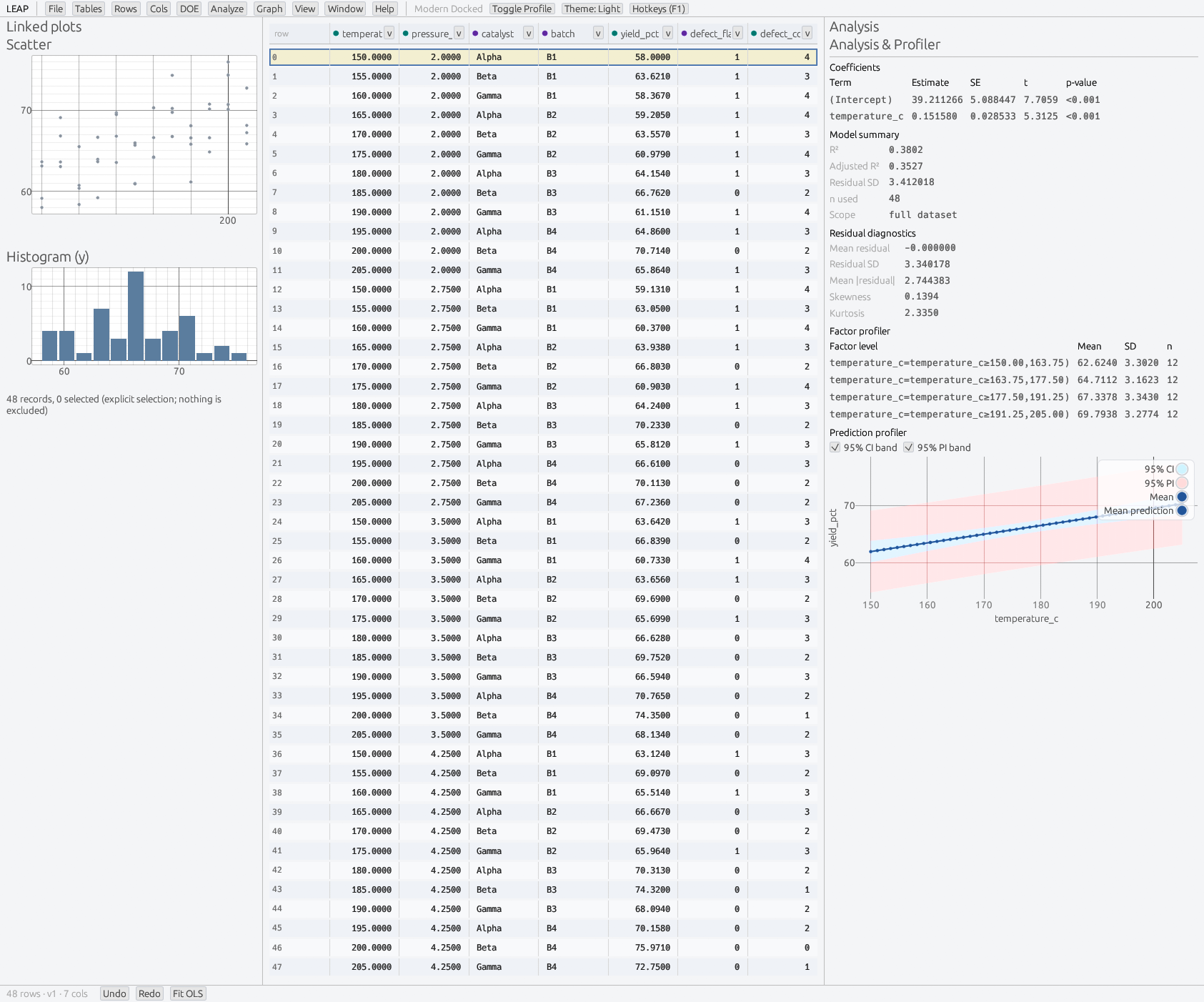
- Tabbed multi-panel docked layout (default sidebar 240 px, resizable): linked plots left, Data Grid center, analysis & profiler right.
- Same shortcuts and menu taxonomy, wired to dialogs/drawers instead of floating windows where applicable.
Profile details
The profile is stored in WorkspaceConfig.profile (persisted in the .leapw workspace document and reopened with the session). The top menu bar displays the active profile name ("Classic Workbench" or "Modern Docked") at the right end of the bar next to the Toggle Profile button.
Related pages: