Themes & Accessibility
Themes are applied via the WorkspaceConfig in crates/leap-app/src/workspace.rs and resolved headless-safely — using ctx.zoom_factor() (never page style hacks), so HiDPI displays stay rock-steady without per-frame scale oscillation.
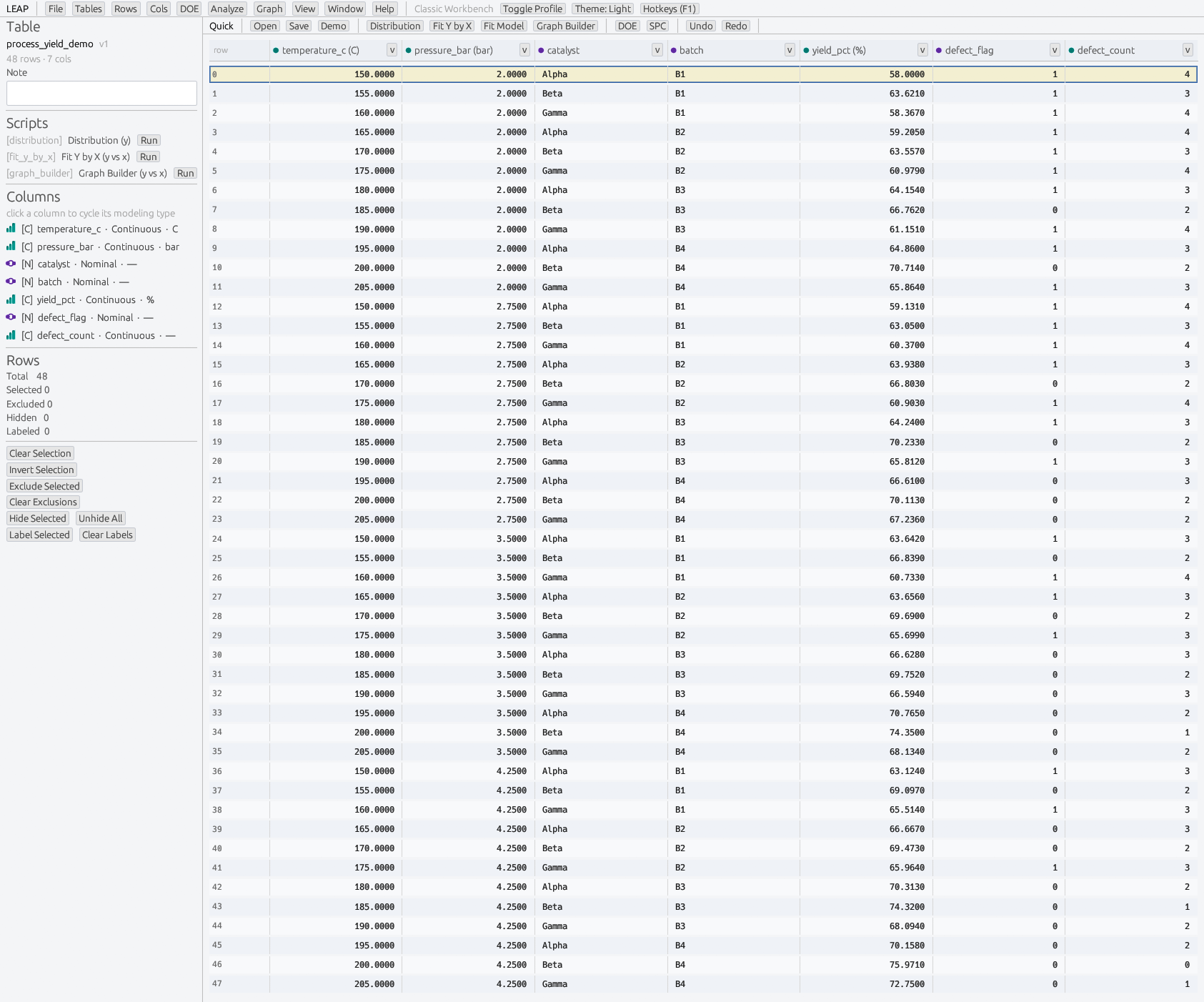
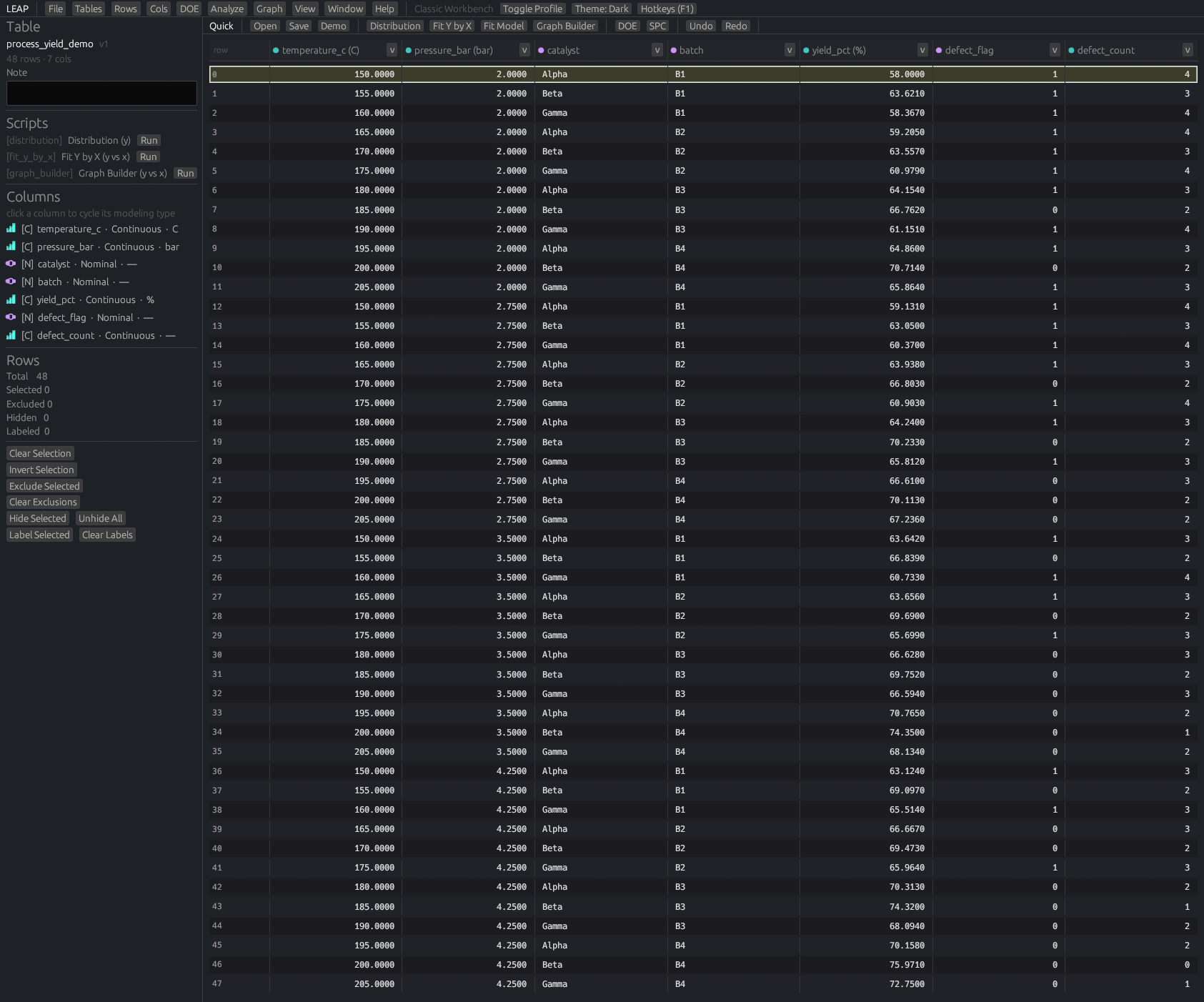
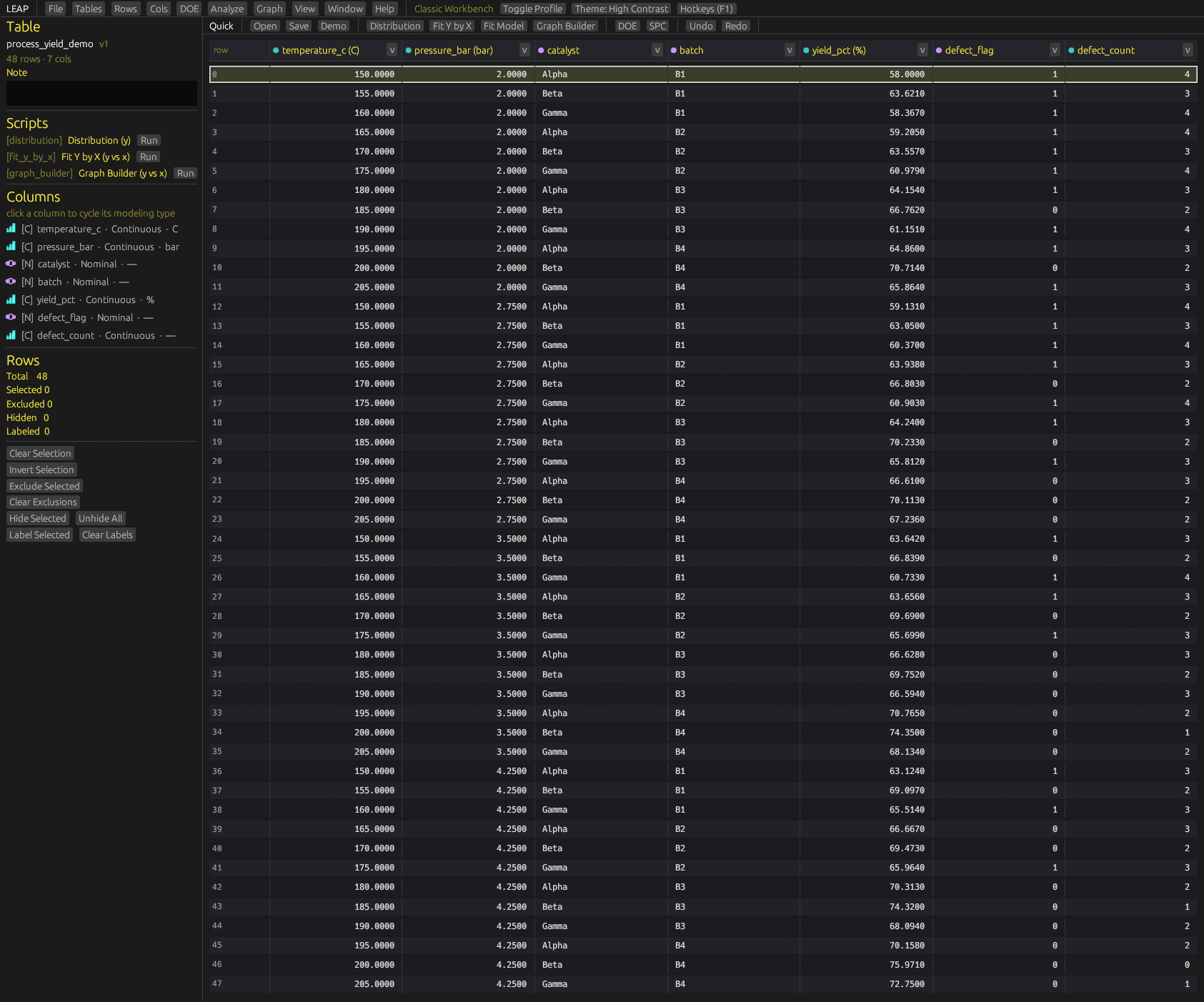
Theme modes
Cycle Theme (Ctrl+Shift+T) (top-bar "Theme:" button or the View → "Theme:" submenu) cycles: System (follows OS theme, default) → Light → Dark → High Contrast → System. The View submenu also exposes every mode as a selectable label.
Toggle High Contrast (Ctrl+Shift+H) flips High Contrast on/off and is mirrored in the top bar. The active mode is shown by the top-bar Theme: <label> button and in the View → "Theme:" submenu; the theme is persisted in .leapw and reopened with the session.
Mode behavior (from apply_to_ctx):
- System — follows the OS theme; window frame crisped (6 px corner radius) without changing panel colors.
- Light — soft light panel fill
#f4f5f7,#d8dbe0window stroke, 6 px corner radius, restrained separator/widget strokes. - Dark — panel fill
#1e2126,#3a3f48window stroke, 6 px radius, legible text/stroke hierarchy (#3a3f48inactive /#6a7284hover /#9aa8bdactive strokes). - High Contrast — forces dark background (
#1a1a1anoninteractive background) with bright yellow#faf0402.0 px noninteractive foreground/stroke and 4 px window corner radius.
Keyboard accessibility
Every interactive control is reachable from the keyboard and every shortcut emits a typed MenuAction (see Shortcuts). Text-editing focus suppresses global shortcuts (except the always-on F1 / Ctrl+/ / Ctrl+, chords) so typing in the sidebar note, formula dialog or command palette never triggers a command. Grid navigation honors the active cell cursor and supports range selection via Shift+Arrows, Enter to edit, Space to toggle the row, and Esc to clear.
Font scale
font_scale is clamped to 0.5–3.0 and applied as a zoom factor on the egui context (so HiDPI displays keep native pixel metrics). The Windows-style default is 1.0.
Related pages: